
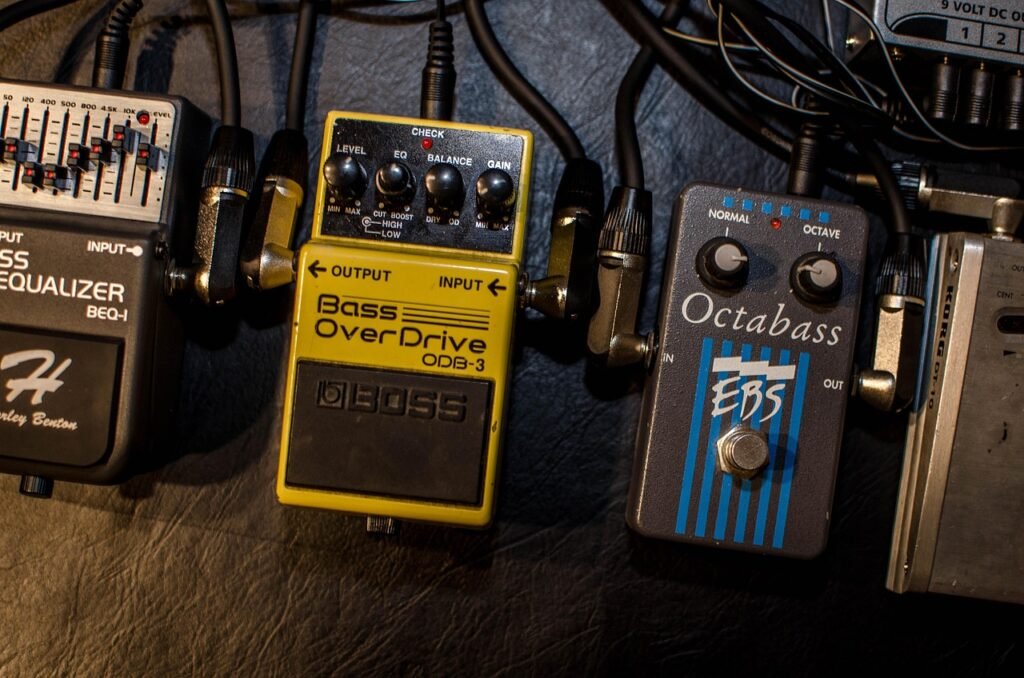
Introduction to Guitar Effects Pedals
Guitar Effects pedals are one of the most thrilling aspects of playing electric guitar. With just a few small boxes at your feet, you can turn a simple guitar tone into anything from a warm, subtle sound to vast, otherworldly soundscapes. For those new to the scene, pedals might seem daunting at first—but once you grasp the fundamentals, they become incredibly powerful tools for creativity.
This guide will walk you through the most common types of guitar effects pedals, explain their functions, and show you how to mix them to start crafting your own unique sound.
What Are Guitar Effects Pedals?
Effects pedals are devices that alter your guitar’s signal before it reaches the amplifier. Each pedal modifies your tone in a specific way—whether it’s adding distortion, space, movement, or texture. You can use pedals subtly to enhance your natural tone or more aggressively to completely transform it.
Most guitarists begin with just one or two pedals and expand their collection as their musical ear and playing style evolve.
Common Types of Guitar Effects Pedals
Overdrive, Distortion, and Fuzz (Gain-Based Effects)
These are categorized as gain-based effects. They introduce grit, sustain, and harmonic richness to your sound.
- Overdrive simulates a tube amp being pushed to its limits and is perfect for blues, rock, and classic tones.
- Distortion offers heavier saturation and a tighter aggression, often found in hard rock and metal.
- Fuzz delivers a thick, broken-up sound that’s full of character and has a vintage feel.
Many beginners opt for an overdrive pedal first because it’s versatile and easy to work with.
Modulation Pedals
Modulation effects alter your sound over time, adding movement and depth.
- Chorus thickens your tone by slightly detuning and doubling the signal
- Phaser and flanger create sweeping, swirling textures
- Tremolo changes the volume in a rhythmic pulse
These effects are excellent for adding personality without overwhelming your core tone.
Delay Pedals
Delay pedals repeat your signal after a certain amount of time. They can be used subtly to create space or creatively to form rhythmic patterns and ambient textures.
Short delays work well for lead guitar thickness, while longer delays are popular in ambient, worship, and experimental styles.
Reverb
Reverb simulates the sound of playing in a physical space, like a room, hall, or plate. It adds depth and realism to your guitar tone.
A small amount of reverb can make any guitar sound more natural, while heavy reverb creates atmospheric and cinematic effects.
Wah and Filter Effects
Wah pedals shape your tone by sweeping through frequencies as you move the pedal with your foot. They’re expressive and dynamic, reacting directly to how you play.
Auto-wah and envelope filters provide similar effects without manual control.
How to Combine Pedals Creatively
Once you understand individual pedals, combining them is where creativity really begins.
A simple beginner signal chain looks like this: Guitar → Overdrive → Modulation → Delay → Reverb → Amp
This order keeps your tone clear and predictable. From there, experiment:
- Stack multiple gain pedals for different levels of drive
- Run delay into reverb for ambient sounds
- Place modulation before or after distortion for different textures
There are no strict rules—trust your ears.
Finding Your Signature Sound
Your signature sound comes from small choices: how much gain you use, which effects you favor, and how you combine them. Many iconic tones are surprisingly simple.
Instead of chasing every pedal, spend time learning what each one does. Subtle settings often sound better than extreme ones, especially in a band mix.
Effects pedals aren’t just tools—they’re instruments. The more you experiment, the more personal your sound becomes.